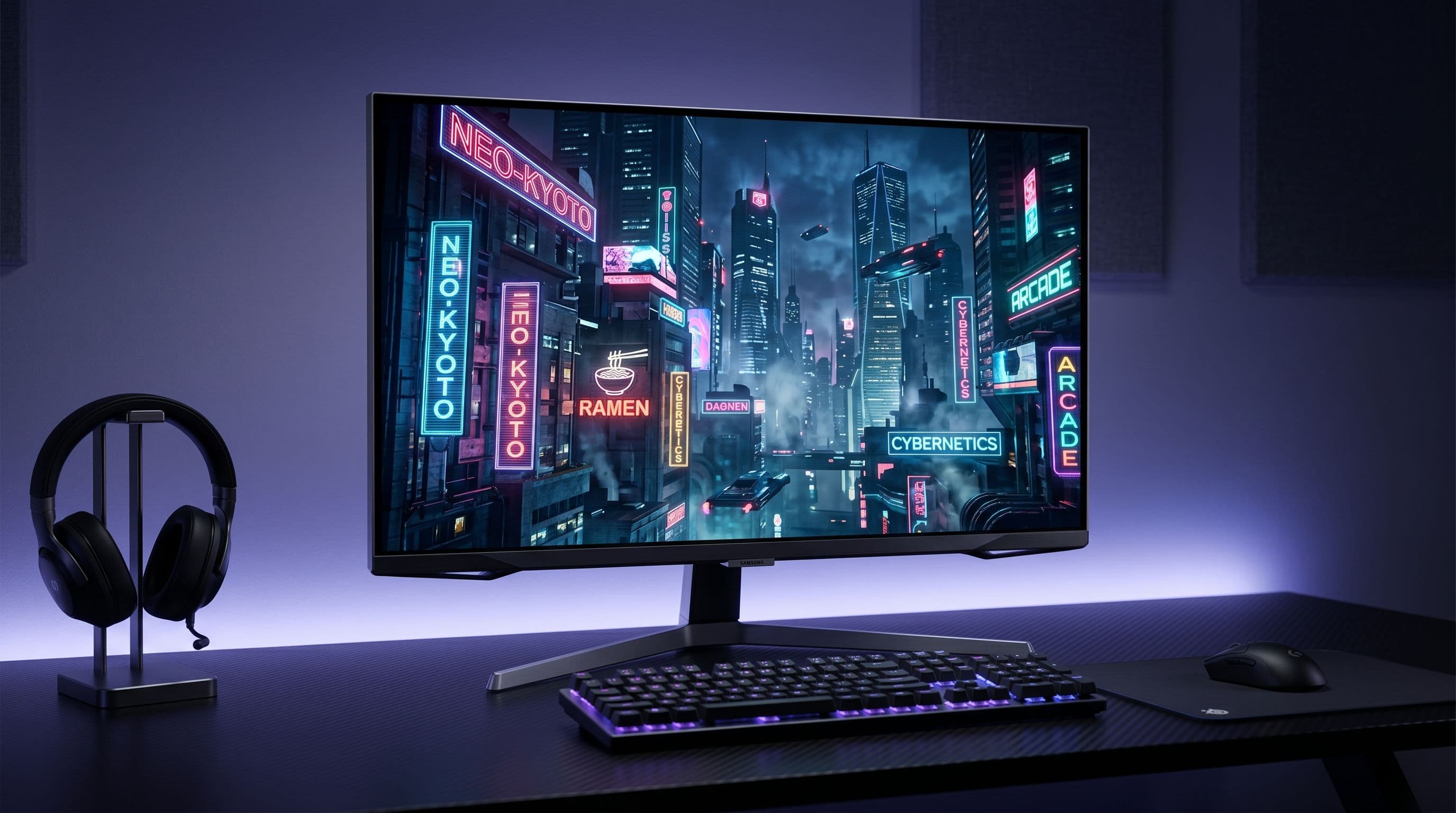
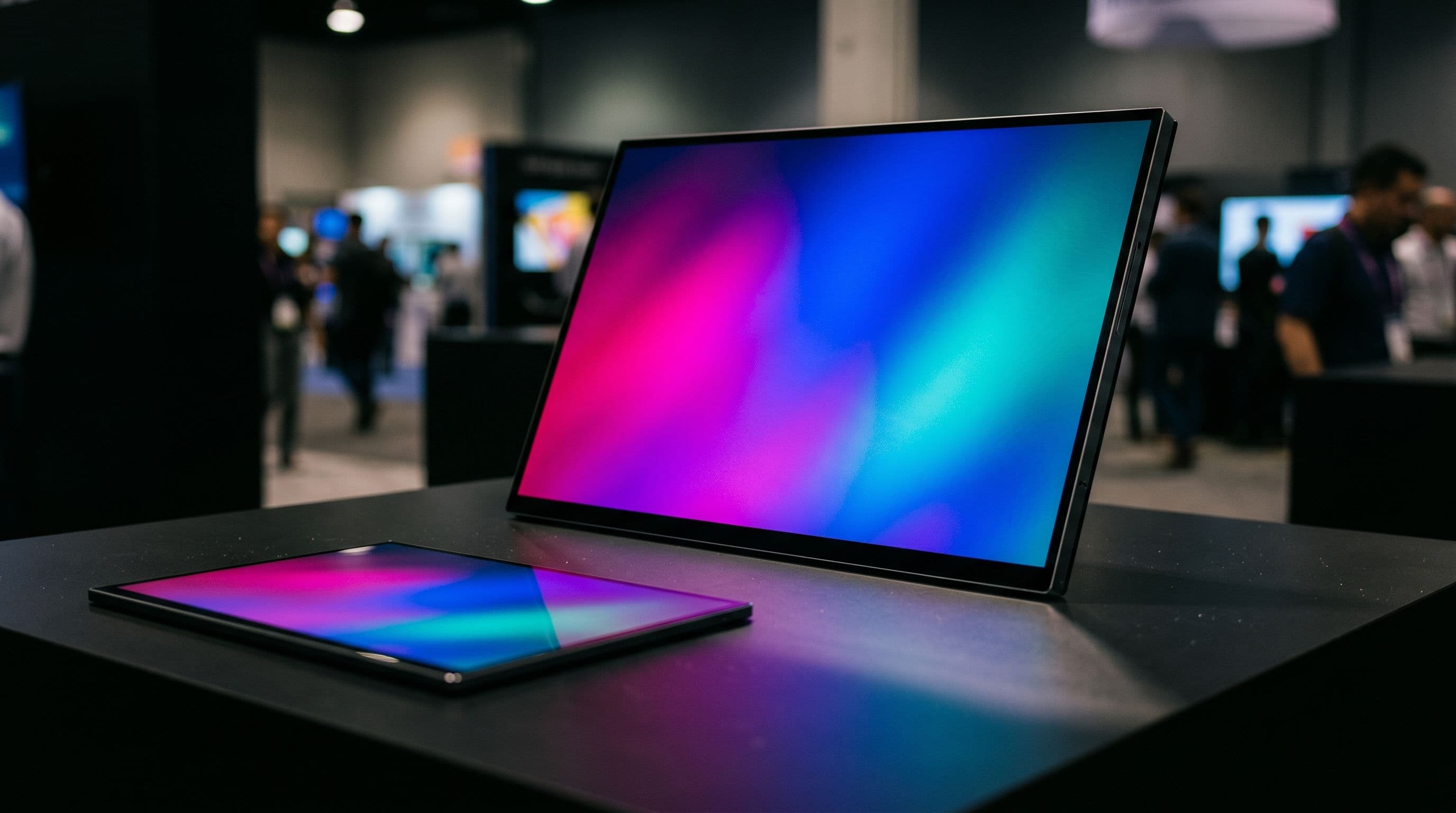
For decades, glasses-free 3D has remained gaming's great unfulfilled promise. Every few years, a new technology surfaces with fanfare, only to fade into obscurity. Yet Samsung's announcement of the Odyssey 3D G90XH at CES 2026 signals something genuinely different—not because the company claims to have solved 3D, but because they've actually engineered a solution that works.
This isn't a gimmick monitor cobbled together from existing components. The 32-inch G90XH represents a substantial leap forward from its 27-inch 4K predecessor, the G90XF, combining a cutting-edge lenticular lens array with sophisticated real-time eye tracking to deliver glasses-free 3D at a stunning 6K resolution. With 6,144 x 3,456 pixels across its IPS panel and a dual-mode design offering either 165Hz at full resolution or 330Hz at 3K, this is an unabashedly premium device built for early adopters willing to invest in tomorrow's technology today.
This review examines whether Samsung's bold bet on glasses-free 3D gaming actually delivers the transformative experience it promises.
Specs and Display Quality That Push the Boundaries
6K IPS Panel — Pixel-Perfect Clarity at 220ppi
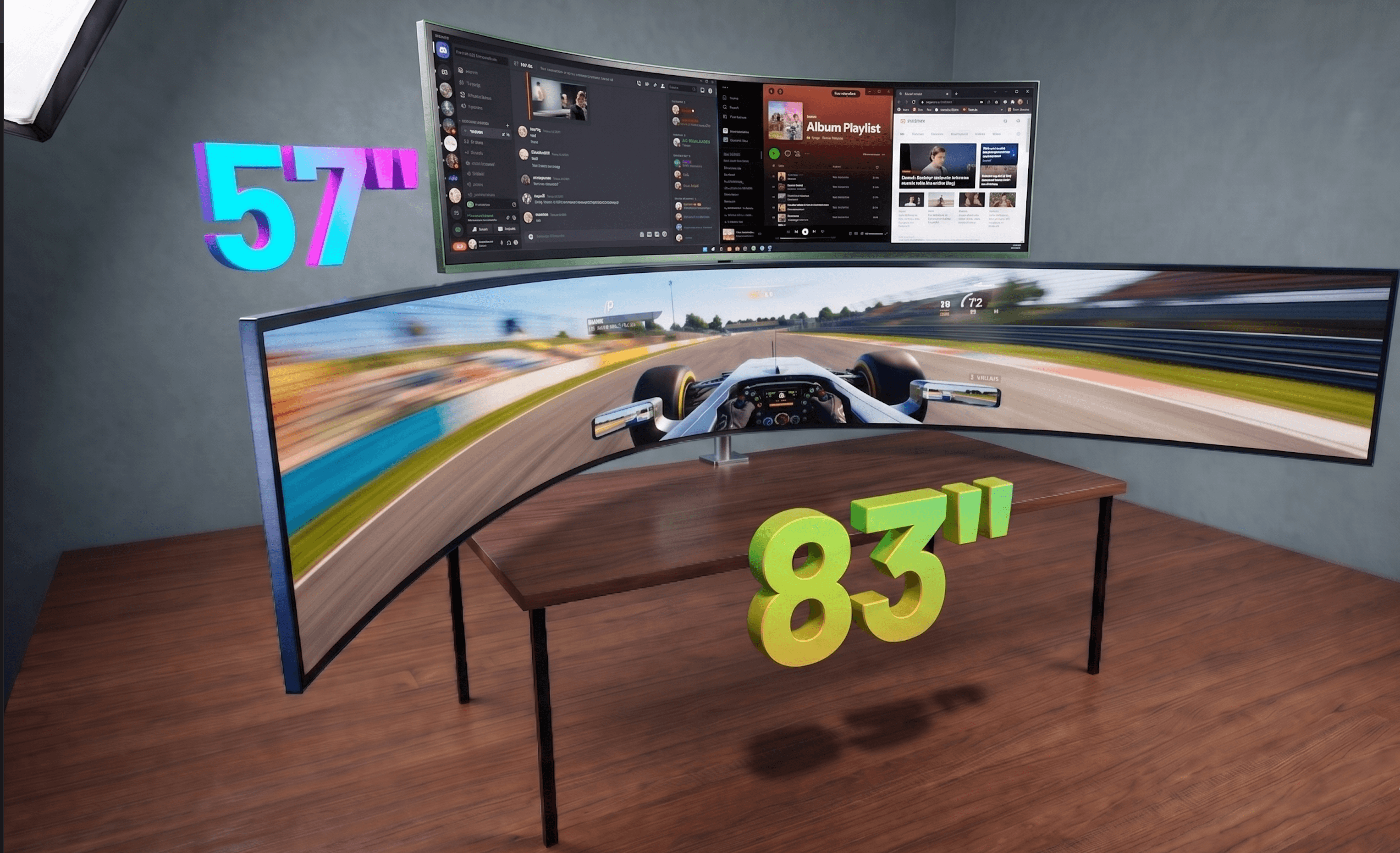
The Samsung Odyssey 3D G90XH pairs its groundbreaking 3D functionality with a 32-inch IPS LCD panel running at 6K resolution—6,144 × 3,456 pixels. This translates to approximately 220 pixels per inch, a density that's roughly 2.5 times higher than standard 4K displays at the same screen size. That distinction isn't merely marketing speak. The IPS technology delivers wide viewing angles and exceptional color consistency across the panel, which matters when multiple people gather around the monitor or when your viewing position shifts during long gaming sessions. But the real reason Samsung pushed to 6K becomes apparent once you enable 3D mode: the lenticular lens array splits each pixel between your two eyes to create the stereoscopic illusion. Without that extra resolution baseline, the effective sharpness in 3D would collapse. By starting with 6K, Samsung ensures that even after the lens divides the image, each eye receives enough pixel density to maintain crisp visuals. To put this in perspective, the 220 ppi specification edges out Apple's Pro Display XDR, which sits at 218 ppi—a reminder that this is genuinely cutting-edge display technology, even by professional monitor standards.
HDR, Brightness, and Colour Accuracy Put to the Test
The G90XH supports HDR10, and based on data from its predecessor, the G90XF reviewed by RTINGS, we can expect brightness levels around 350 nits in typical viewing and 482–510 nits at peak HDR intensity. Static contrast sits near 1000:1, which is respectable for an IPS panel but inevitably falls short of OLED's infinite contrast ratio and perfect blacks. The monitor achieves approximately 90% DCI-P3 color coverage, positioning it well for both gaming and creative work. However, there's a critical limitation worth understanding: HDR and 3D mode cannot be enabled simultaneously. This trade-off reflects the technical demands of driving both features at full resolution and refresh rate. If you're playing a visually stunning single-player title in 3D, you'll experience immersive stereoscopic depth at the cost of HDR's expanded dynamic range. Conversely, HDR-optimized content will display on a flat, 2D screen. It's a choice rather than a flaw, but one gamers should factor into their purchase decision. Full independent lab testing of the G90XH's HDR and color performance is still pending, though the specifications suggest Samsung has maintained the high standards established by the G90XF generation.
Dual Mode Explained — 165Hz vs. 330Hz, Which Should You Use?
The Odyssey 3D G90XH's dual-mode switching capability is perhaps its most strategically clever feature. You can toggle between 6K at 165Hz for maximum fidelity or drop to 3K (half the horizontal and vertical resolution) at 330Hz for raw competitive speed. Both modes maintain a rapid 1ms gray-to-gray response time, so motion clarity remains sharp regardless of your choice. This flexibility is powered by DisplayPort 2.1 with UHBR20 bandwidth (up to 80 Gbps), which is necessary to sustain 6K @ 165Hz without compression artifacts. The decision between modes hinges on your gaming priorities: story-driven and immersive titles—especially those leveraging the 3D effect—benefit enormously from the 165Hz 6K mode, where visual fidelity and depth perception shine. Competitive shooters and fast-paced esports games favor the 330Hz 3K option, trading resolution for the responsiveness that can determine split-second victories. Few monitors offer this kind of flexibility, making the G90XH uniquely positioned for gamers who refuse to compromise on either visual quality or performance.
The Star of the Show — Glasses-Free 3D Technology
How the Real-Time Eye Tracking System Actually Works
Samsung's glasses-free 3D magic rests on three interconnected pillars working in perfect synchronization. At the heart of the system sits a stereo camera mounted at the top of the monitor, functioning much like a pair of human eyes to constantly track your gaze. This isn't simple motion detection—Samsung employs a deep learning-based algorithm refined to maintain accuracy even during rapid head movements and fast-paced gaming moments when precision matters most.
Once the camera captures your eye position, the monitor's processor performs the real computational heavy lifting through "view mapping." This is where the magic becomes apparent: the system calculates the precise pixel positioning for each of your eyes in real-time, then dynamically updates these calculations as you shift position. You could lean left, right, forward, or back, and the monitor continuously recalibrates the image delivery without any perceptible lag.
The final piece of the puzzle is the lenticular lens array embedded in the display panel itself. Rather than relying on special glasses, this optical layer uses light refraction to send different images to each eye independently. Your brain then fuses these slightly offset images into three-dimensional perception—the same principle that makes stereoscopic vision work in nature.
What truly separates this from previous autostereoscopic attempts—think Nintendo 3DS or older 3D displays—is the absence of a fixed "sweet spot." Those older technologies locked you into one optimal viewing position; shift your head and the 3D effect collapsed. Samsung's eye-tracking system eliminates this entirely, adapting the display in real-time as you move. It's a generational leap in usability and immersion.
3D Gaming in Practice — Supported Titles and 2D-to-3D Conversion
At launch, Samsung confirmed three natively optimized 3D titles: The First Berserker: Khazan, Lies of P: Overture, and Stellar Blade. In these games, developers have specifically enhanced terrain depth, object separation, and spatial distance perception, delivering 3D experiences that genuinely leverage the hardware's capabilities. However, native optimization represents just a fraction of your Steam library.
This is where the AI-powered 2D-to-3D conversion via Samsung's Reality Hub app becomes valuable. The system can theoretically convert virtually any PC game on the fly, though it's important to manage expectations—algorithmic conversion won't match the polish of natively optimized titles. For video enthusiasts, YouTube conversion is also available, though this feature requires an Nvidia GPU.
Speaking of GPU requirements, you'll want at least an RTX 3080, RTX 4070, or AMD RX 6900 XT to run 3D smoothly. Running in 3D mode roughly doubles your GPU workload compared to standard 2D gaming. This is no trivial ask; even the cutting-edge RTX 5090 may struggle at native 6K resolution in demanding 3D titles, so managing your in-game settings and framerates becomes crucial.
Single-Viewer Design — A Feature or a Limitation?
Here's where the glasses-free 3D technology reveals its constraint: eye tracking is personalized to one viewer at a time. You cannot simultaneously serve two people's eyes with proper 3D depth perception. Compare this to VR headsets, which are inherently single-user, versus 3D cinema, where multiple spectators share the experience.
For a gaming monitor, this limitation is largely acceptable—you typically game alone, and the benefit of unrestricted head movement outweighs the single-user restriction. However, it becomes a genuine limitation if you're hoping to watch 3D movies or shared content with a partner. Additionally, 3D functionality is exclusive to PC; consoles cap out at 120Hz in 2D mode, so console gamers won't experience the display's flagship feature. Worth noting: software stability issues were reported on the predecessor G90XF, particularly crashes on RTX 40/50 series GPUs—something to monitor in real-world G90XH testing as drivers mature.
Gaming Performance, Connectivity, and Everyday Usability
Competitive Gaming — Response Times, FreeSync, and G-Sync Compatibility
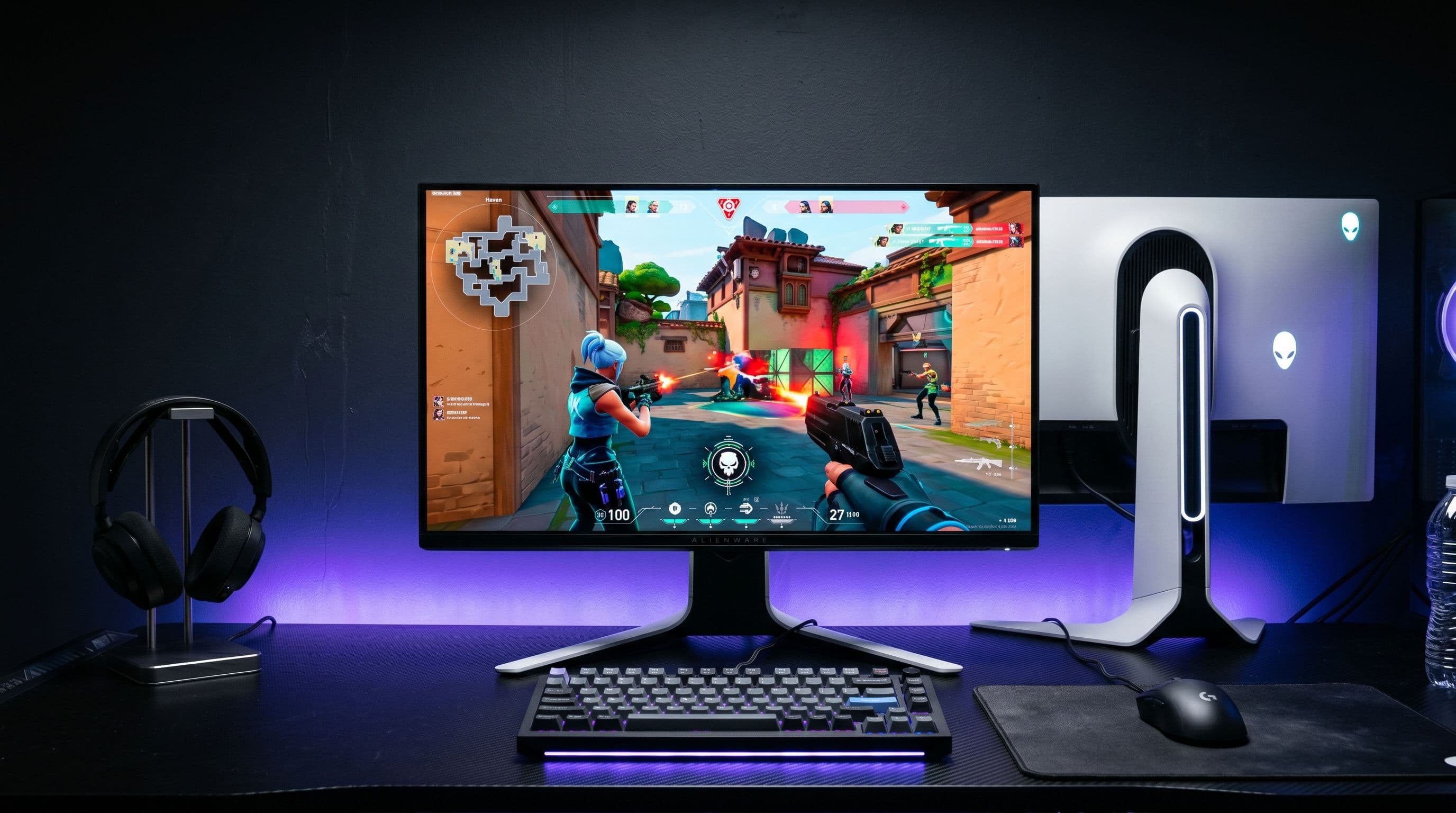
The G90XH delivers genuine competitive credentials with a 1ms gray-to-gray response time that keeps ghosting and motion blur to a minimum, even during the fastest gaming sequences. Its dual-mode 330Hz refresh rate via DisplayPort ranks it among the most responsive displays available for esports, while AMD FreeSync Premium Pro and NVIDIA G-Sync Compatible support ensure smooth, tear-free gameplay across both major GPU ecosystems. Console gamers benefit too: HDMI 2.1 connectivity enables 4K/120Hz with variable refresh rate support on PS5/PS5 Pro and Xbox Series X|S, making this a genuinely universal platform for high-performance gaming.
That said, IPS panel physics do impose a real limitation. The 1000:1 contrast ratio means blacks appear distinctly greyish in dark environments—a meaningful disadvantage in dimly lit rooms or during atmospheric, shadow-heavy games where OLED or VA panels would deliver far deeper blacks. In 2D mode, reviewers have consistently praised the G90XF's smoothness and responsiveness (notably in fast-paced titles like Doom Eternal and Marvel Rivals), confirming that the G90XH remains a top-tier competitive display by conventional measures. Just don't expect the visual punch in dark scenes that you'd get from contrast-heavier alternatives.
Ports and Connectivity — HDMI 2.1 and DisplayPort 2.1 Breakdown
The G90XH's dual-port strategy reflects its ambitious spec sheet. DisplayPort 2.1 UHBR20 provides up to 80Gbps of bandwidth—the essential backbone for driving 6K content at 165Hz. HDMI 2.1 handles 4K/120Hz for console gaming and ensures sufficient bandwidth for other high-resolution PC use cases. In practical terms, DisplayPort 2.1 is the workhorse doing the heavy lifting, while HDMI 2.1 bridges the gap between console and PC ecosystems.
The important caveat: you'll need a graphics card with actual DisplayPort 2.1 output to fully exploit this display. Most current-generation RTX 40 and 50 series cards qualify, but older hardware will bottleneck the experience. If you're planning to pair this monitor with an older GPU or a system without DP2.1 support, you'll be paying premium money for connectivity you can't use—a consideration worth checking before purchase.
Beyond Gaming — Does the G90XH Work as a Creative Workstation Monitor?
With approximately 90% DCI-P3 color coverage and 220 PPI pixel density, the G90XH is sharp enough for detailed retouching work and holds genuine potential as a secondary creative display. Its IPS panel and wide viewing angles suit collaborative studio environments well, and the combination of resolution and sharpness supports serious photo and video editing workflows.
However, creative professionals should temper expectations. Peak HDR brightness of ~500 nits lags significantly behind dedicated pro monitors, and that 1000:1 contrast ratio becomes a real hindrance for color-critical work—OLED alternatives would deliver substantially superior performance in grading scenarios. The G90XH works as a dual-purpose gaming-and-work display or as a secondary creative monitor, but it shouldn't replace a dedicated workstation display like the Apple Pro Display XDR or ASUS ProArt OLED. Think of it as genuinely capable for creative work, just not specialist-grade.
Verdict — Who Should Buy the Samsung Odyssey 3D G90XH?
The Samsung Odyssey 3D G90XH is genuinely innovative. Samsung has delivered on a promise that seemed impossible just years ago: glasses-free 3D gaming that actually works, backed by world-first 6K resolution, eye-watering pixel density (~220 PPI), and legitimate Dual Mode versatility that lets you toggle between 330Hz competitive esports and 165Hz immersive 3D without swapping hardware. Real-time eye tracking that actually tracks, solid IPS color performance, and the sheer ambition of this product make it historically significant. This is a proof-of-concept that changes the conversation about what gaming monitors can do.
But let's be honest about the catches. The 3D game library is laughably small—three titles at launch. GPU demands are nuclear; even RTX 5090 owners will struggle at full 6K 3D fidelity. You can't use HDR and 3D simultaneously. IPS contrast won't thrill anyone who games in dark rooms. It's a single-viewer experience. And Samsung's software track record on the predecessor gives pause about long-term reliability. Premium pricing is coming, and early-adopter tax is real.
This monitor is for enthusiasts who specifically want glasses-free 3D, who own RTX 40/50 series GPUs, and who value owning one monitor that does both competitive and immersive gaming exceptionally well. It's not for value seekers, dark-room contrast purists, mid-range GPU owners, or anyone expecting a mature 3D ecosystem on day one.
The Odyssey 3D G90XH isn't a perfect monitor—but it's not trying to be. It's trying to be a genuine milestone, and it succeeds. Not for everyone. But for the right person? Absolutely worth the leap.