Tech Guides
In-depth technical guides for monitors
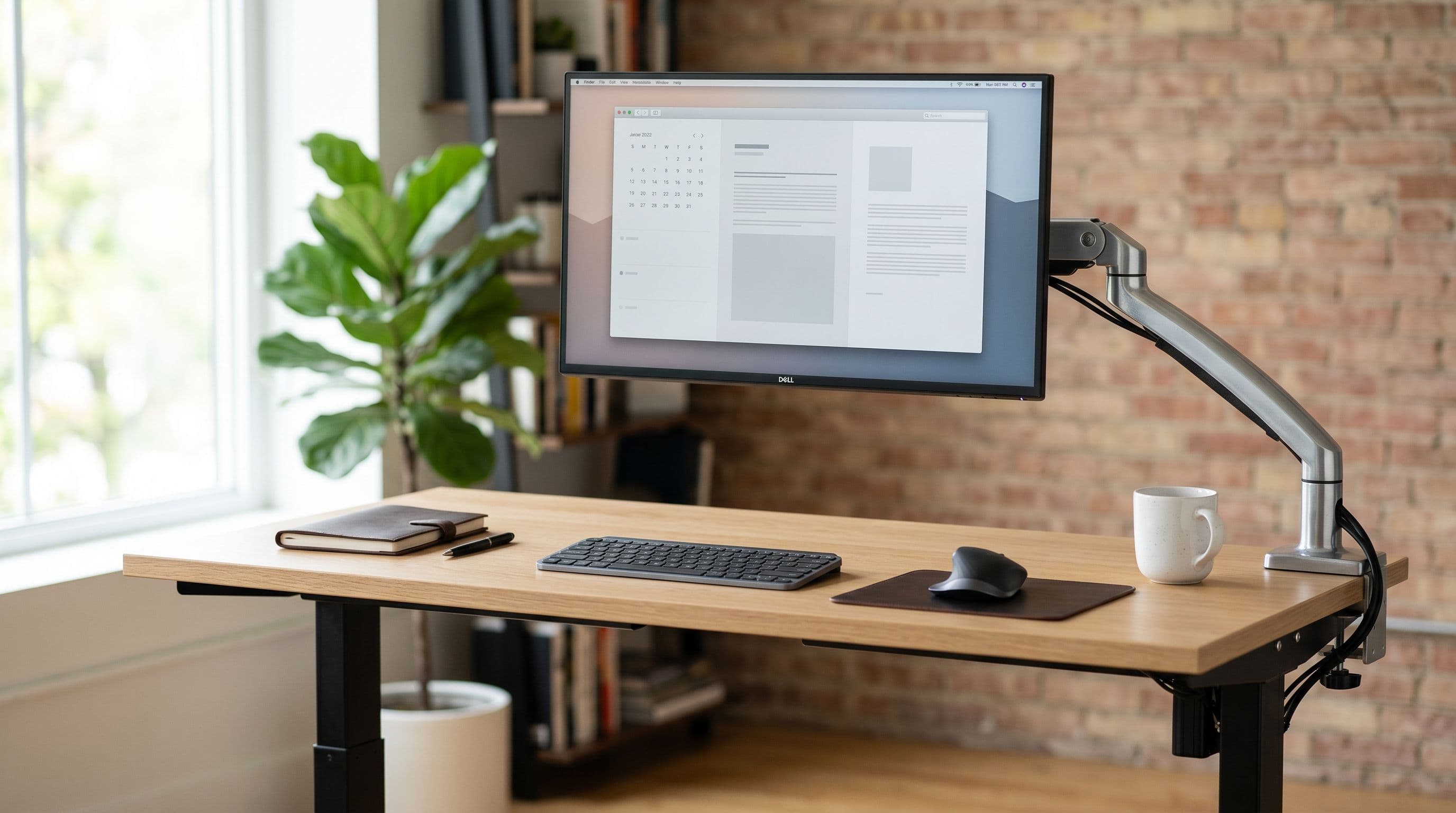
Standing Desk Monitor Setup: Wobble, Weight, and Placement
A standing desk that is rock-solid at sitting height can wobble noticeably when raised to 110 cm with a heavy monitor arm. Weight limits, wobble reduction, and cable management for adjustable desk setups.

Multi-Monitor Desk Layouts: Side-by-Side, Stacked, and Angled
Two 27-inch monitors side by side need 125 cm of desk width. Angling them 15 degrees drops that to 115 cm. Layout-specific guidance for dual, triple, stacked, and ultrawide-plus-portrait setups.

Monitor Arms vs. Stands: How Much Desk Space Do You Actually Save?
A stock monitor stand eats 15-25 cm of desk depth. An arm reclaims almost all of it. Measured footprint comparisons for 10 popular monitors show exactly how much space you get back.

Best Desk Sizes for Every Monitor Setup (Measured & Tested)
A 27-inch monitor needs at least 90 cm of desk width and 55 cm of depth. This guide gives exact clearance calculations from real panel dimensions for every common monitor size and multi-monitor layout.

IKEA Desk Guide for Monitor Setups
The LAGKAPTEN 120x60 fits a single 34-inch ultrawide but not dual 27s. This guide maps every IKEA desk in the planner to compatible monitor configurations with real measurements.

HDMI 2.1 for Gaming: What You Need to Know
Everything you need to know about HDMI 2.1, including bandwidth, VRR, ALLM, and which features actually matter for your gaming setup.

Understanding Monitor Panel Types: IPS vs VA vs OLED
A comprehensive comparison of monitor panel technologies to help you choose the right display for your needs.

How to Calibrate Your Monitor for Accurate Colors
A step-by-step guide to calibrating your monitor for accurate color reproduction, whether you're a photographer, designer, or just want better visuals.

Panel Types Explained: IPS, OLED, QD-OLED & Mini-LED
Explore monitor panel technologies side-by-side with our interactive comparison tool. See real differences in viewing angles, contrast, and color accuracy.