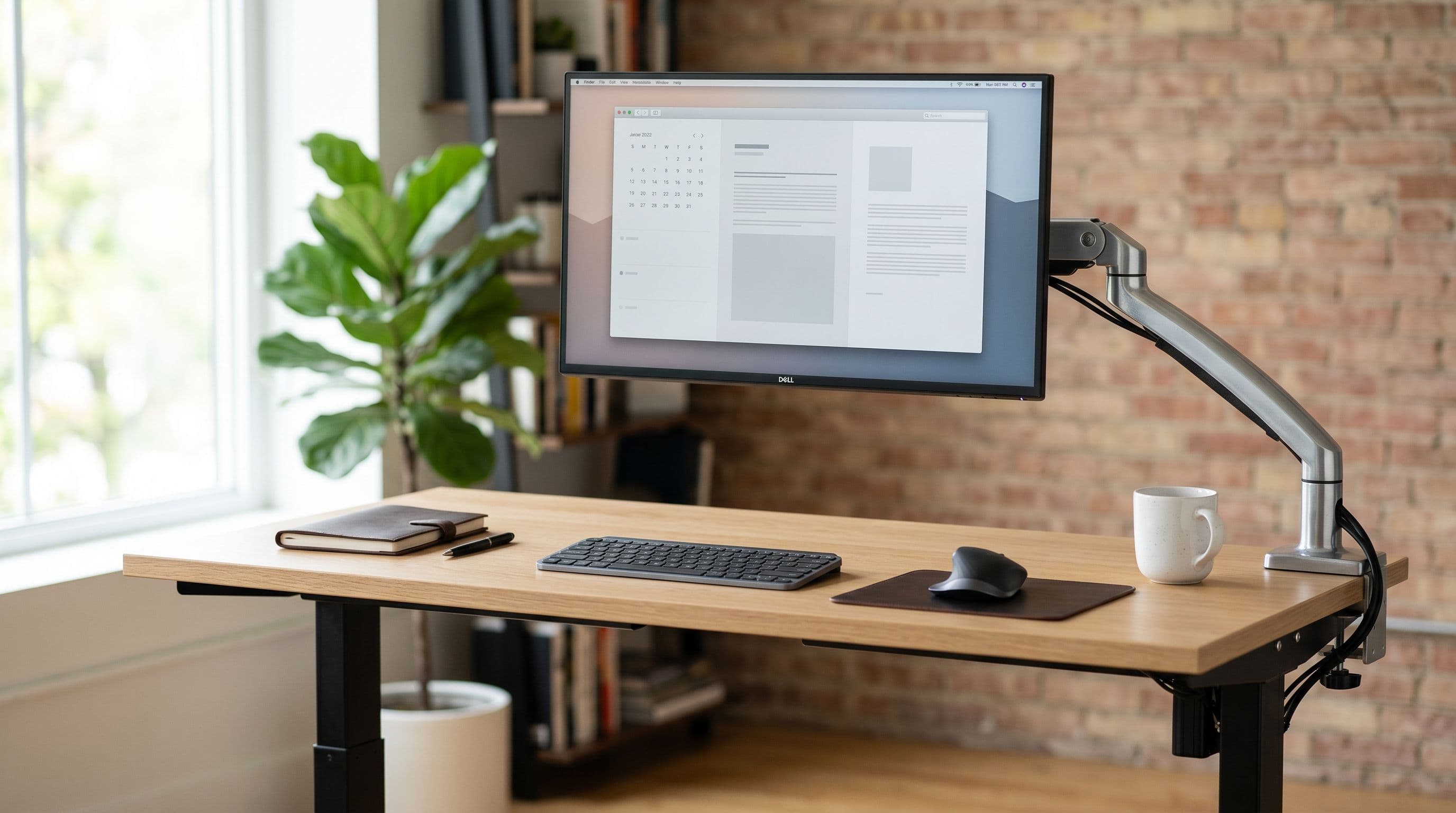
Stock monitor stands eat 15-25 cm of desk depth and 20-30 cm of width. On a typical 120x60 cm desk, that's up to 12% of your total surface gone before you place a keyboard. A clamp-mounted monitor arm reclaims nearly all of it, reducing the footprint to a 5-6 cm strip along the back edge. We measured six popular monitors' stands to show exactly how much space you get back.
Six Monitor Stands, Measured
Stand footprints vary wildly depending on design. Here are real dimensions from manufacturer spec sheets.
The Dell U2723QE has one of the smaller stands in the 27-inch class: 24.4 cm deep by 17.8 cm wide, about 434 sq cm. It still pushes the screen forward on a 60 cm desk, leaving just 35 cm between the monitor and the desk edge for your keyboard and arms.
The LG 27GP850-B uses a V-shaped stand at 25.2 cm deep and 25.2 cm wide. The V shape means you can't tuck anything into the dead space between the legs. That 635 sq cm footprint is 40% larger than the Dell's, for a monitor the same size.
The ASUS VG27AQ1A splits the difference with a round base at 21.1 cm deep by 20.9 cm wide (441 sq cm). The LG 34WN80C-B, a 34-inch ultrawide, uses a C-clamp stand at 25.0 cm deep and 25.0 cm wide that attaches to the desk edge rather than sitting on top of it.
Then there's the Samsung Odyssey G9. This 49-inch super ultrawide weighs 14.3 kg without its stand, and the stand itself is a tripod measuring 30.2 cm deep by 36.4 cm wide. That's 1,099 sq cm, roughly the size of a hardcover book laid open. On a 120x60 desk, the stand alone occupies over 15% of the surface.
The LG 32UN880-B is the outlier. LG ships it with a built-in Ergo arm and clamp base instead of a traditional stand. The clamp is about 6.6 cm in diameter. Desk footprint: effectively zero.
Before and After on a 120x60 cm Desk
Take the most common home-office desk: 120x60 cm (the IKEA LAGKAPTEN). Total surface is 7,200 sq cm. A 27-inch monitor on its stock stand costs you 400-630 sq cm, and usable depth in front shrinks to about 35 cm. That's tight if you rest your forearms on the desk.
Mount that same monitor on a clamp arm, and the screen floats. The clamp sits at the back edge, taking up a 5 cm strip you weren't using anyway. Most people end up with 45-50 cm of clear desk in front of the monitor. That extra 10-15 cm means room for a full-size keyboard, a wrist rest, and a notepad.
You can test this yourself with the desk setup planner. Drop in a 120x60 desk, place a 27-inch monitor with stand, then switch to arm-mounted and watch the usable area open up.
Wall Mounts: Zero Footprint, Zero Flexibility
Wall mounts remove the footprint question entirely. The monitor hangs on the wall; your desk holds nothing but peripherals. For a permanent setup in a dedicated office, this is the cleanest option.
The trade-offs are real, though. Drilling rules out most rentals. The position is fixed unless you buy an articulating wall mount (0-80). Standing desk users can't wall-mount, since optimal screen height shifts 30-40 cm between sitting and standing.
If your position never changes and you own the wall, go for it. Otherwise, a desk arm gives you 90% of the space savings with full adjustability.
Which Arm to Buy
For most people with a single 27-inch monitor (typically 4-6 kg), budget arms work fine. The ErGear single arm runs about 8 and holds up to 8 kg. The VIVO single and dual arms (5-45) are the r/battlestations default: solid build, easy install, 9 kg capacity per arm. Both clamp to desks 10-85 mm thick.
The Ergotron LX (30) is the one to get if you move your monitor often or have a heavier display. It holds up to 11.3 kg with a gas spring smooth enough to adjust with one finger. We've used one daily for three years without the tension loosening.
Watch the weight limits. Budget arms max out at 8-9 kg. The LG 32UN880 at 7.2 kg barely fits. The Samsung Odyssey G9 at 14.3 kg won't.
For heavy monitors you need the Ergotron HX (80, rated for 19.1 kg) or the AmazonBasics Premium (10, rated for 15.9 kg). Skimping here means waking up to a monitor face-down on your desk.
When to Keep the Stock Stand
Not everyone needs an arm. If your desk is 70 cm deep or more, the stand footprint is less of a problem because you have enough depth for the recommended 50-76 cm viewing distance (per OSHA workstation guidelines). The desk size guide breaks down which desk depths work for each monitor size.
Some monitors have genuinely good stands. The Dell U2723QE has height, tilt, swivel, and pivot. The LG 32UN880 ships with its own arm. If your stand already does what you need and your desk has room, spending 5-130 on a separate arm is wasted money.
Standing Desks: You Probably Need an Arm
Standing desks change the calculus. When the surface moves up 30-40 cm, you need the monitor to track eye level independently, and stock stands can't do that. An arm lets you reposition screen height without touching the desk controls. The standing desk monitor guide covers wobble and weight issues in detail.
The Short Version
If your desk is under 65 cm deep, buy a monitor arm. A 5 VIVO arm on a 120x60 desk gives you more usable space than upgrading to a 140x70 desk with a stock stand, so that's a 5 fix versus a 50-400 desk replacement. If your monitor weighs over 9 kg, budget for the Ergotron LX or HX. If you're not sure whether your setup fits, the desk setup planner will show you in about ten seconds.