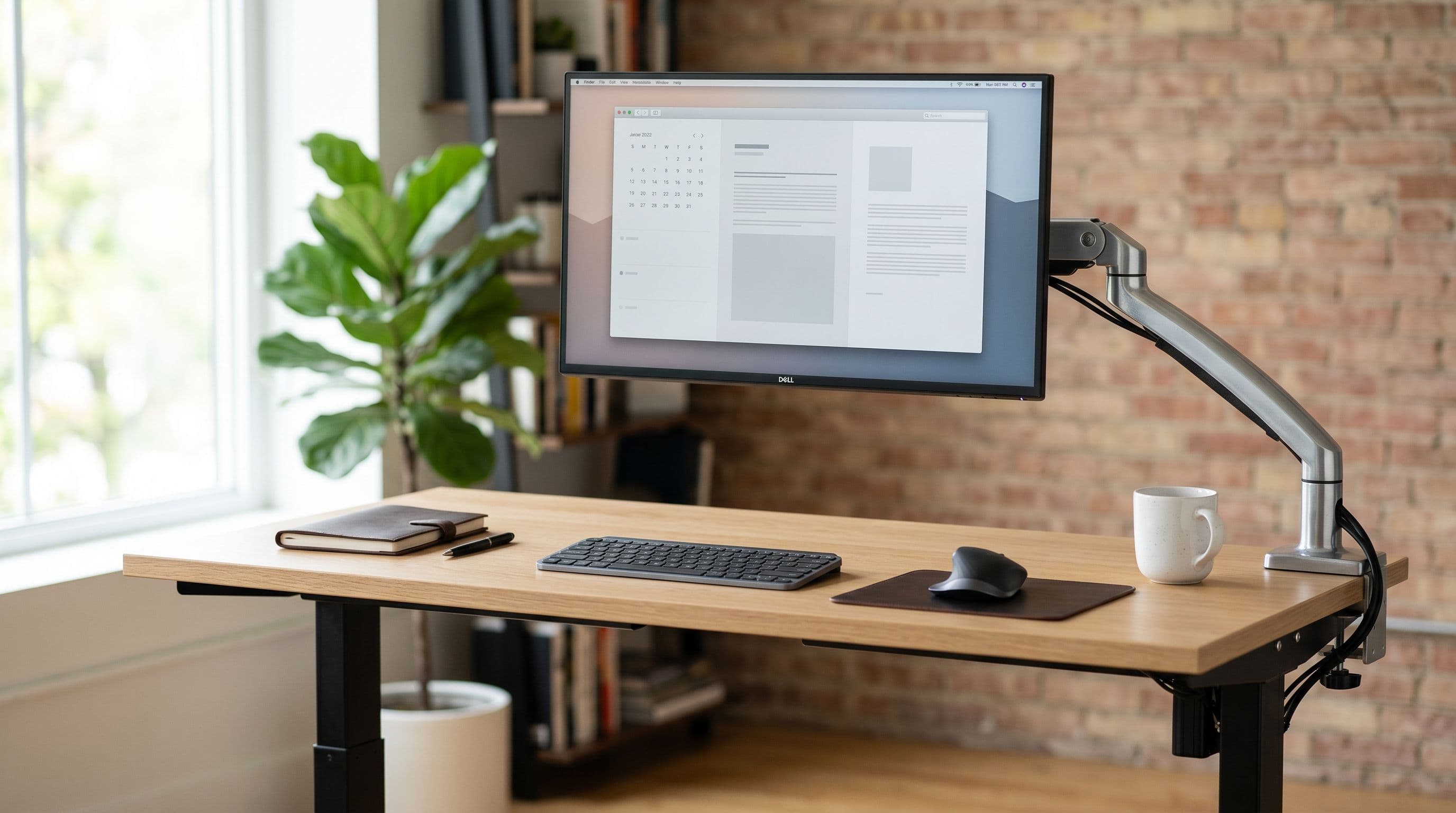
Two 27-inch monitors side by side need about 125 cm of desk width. Three 24-inch panels need 165 cm flat, or closer to 145 cm if you angle the outer screens inward. The exact number depends on your layout, the monitors you pick, and whether you keep them flat or turn them in toward you.
Below are five common multi-monitor layouts with measured widths for each. If you want to test a configuration on your desk before buying, the desk setup planner lets you drop monitors onto a scaled desk and see exactly what fits.
Side-by-Side Dual Monitors
The simplest layout. Two monitors flat on the desk, edges nearly touching. Total width is the sum of both panels plus a small gap.
The Dell U2723QE, one of the most popular 27-inch productivity monitors, is 61.13 cm wide. Two of them measure 122.26 cm. Add a 3-5 cm gap for angle adjustment and cable routing, and you land at 125-127 cm.
That fits on a 140 cm IKEA LAGKAPTEN with about 7 cm of clearance per side. On a 120 cm desk, the same pair leaves under 1 cm per side. Technically possible, but no room for speakers or a desk lamp.
Bezel thickness matters here. Dell and LG thin-bezel monitors have 6-7 mm bezels per side, so the visible seam between two panels is about 13 mm. Some ASUS TUF and BenQ models run 9-12 mm, pushing the seam past 20 mm. Check the desk size guide for clearance calculations on specific desk widths.
Angled Dual Monitors
Angling each monitor 15 degrees inward reduces the projected width by about 8-10 cm for the pair. Those same two Dell U2723QE monitors go from 127 cm flat to roughly 117-119 cm angled. That is the difference between fitting and not fitting on a 120 cm desk.
The tradeoff is depth. Angled monitors push the outer edges forward, needing about 5-8 cm more than a flat layout. A 60 cm desk handles this fine. The ergonomic payoff is worth it too: OSHA workstation guidelines recommend angling screens toward you whenever the combined display width exceeds your natural field of view.
If one monitor is your primary, center it directly ahead and angle only the secondary at 25-30 degrees. This needs less total width than equal angling because only one panel is turned.
Stacked (One Above the Other)
A stacked layout uses the same horizontal footprint as a single monitor. If your desk fits one 27-inch screen, it fits two stacked. Width is not the problem. Height is.
You need a tall-pole monitor arm. The Ergotron LX Tall Pole (70) is the standard choice for stacking two 27-inch panels. Regular arms do not have enough vertical travel. The top monitor should tilt downward 15-20 degrees so you can read it without craning your neck.
This is the best layout for narrow desks. A 90 cm wide desk is plenty, where side-by-side would need 125+ cm. Keep the bottom monitor as your primary and use the top for dashboards or chat. Our monitor arms vs. stands guide covers which arms have the pole height for stacking.
Triple Monitors (Flat and Angled)
Three flat 24-inch monitors at roughly 55 cm each come to 165 cm plus gaps. That rules out most standard desks. The IKEA BEKANT 160x80 is barely short; the Secretlab Magnus Pro XL at 177 cm handles it with room to spare.
Angling the outer two monitors inward at 25 degrees cuts projected width to about 145 cm, opening up 150 cm desks like the Secretlab Magnus. For 27-inch triples (each about 62 cm wide), flat is 186+ cm. Angled at 25 degrees, roughly 165 cm. You still need a big desk.
A triple monitor arm with a shared pole is the practical mounting option. Freestanding triple stands eat enormous desk space with their wide bases. Weight matters: three 27-inch monitors can total 15-18 kg, and most budget triple arms top out at 5-6 kg per screen.
Ultrawide Plus Portrait Monitor
A 34-inch ultrawide (81 cm wide) next to a 24-inch monitor in portrait orientation (about 31 cm wide when rotated) plus a 5 cm gap totals 117 cm. That fits on a 120 cm desk.
This is the layout I would pick for software development. The ultrawide gives you a code editor with a terminal pane below, and the portrait screen handles documentation or chat. The rotated 24-inch panel is about 55 cm tall in portrait mode, which nearly matches the ultrawide's height and keeps the top edges aligned.
You need an arm for the portrait monitor. Stock stands on most 24-inch panels do not rotate, and the ones that do (the Dell P2422H, for example) add a bulky base. A 0-40 single arm with 90-degree rotation is a better option.
Which Layout Fits Your Desk?
Quick summary. Under 120 cm wide: stacked or ultrawide-plus-portrait.
Between 120-140 cm: angled dual 27-inch or flat dual 24-inch. Between 140-160 cm: flat dual 27-inch or angled triple 24-inch. Over 160 cm: triple flat.
These numbers assume monitor arms, not stock stands. Stock stands add 15-25 cm of depth per monitor and shrink usable desk surface. If you are running multiple monitors on a desk under 70 cm deep, arms are not optional. Try your layout in the desk setup planner with your exact desk dimensions before ordering anything.