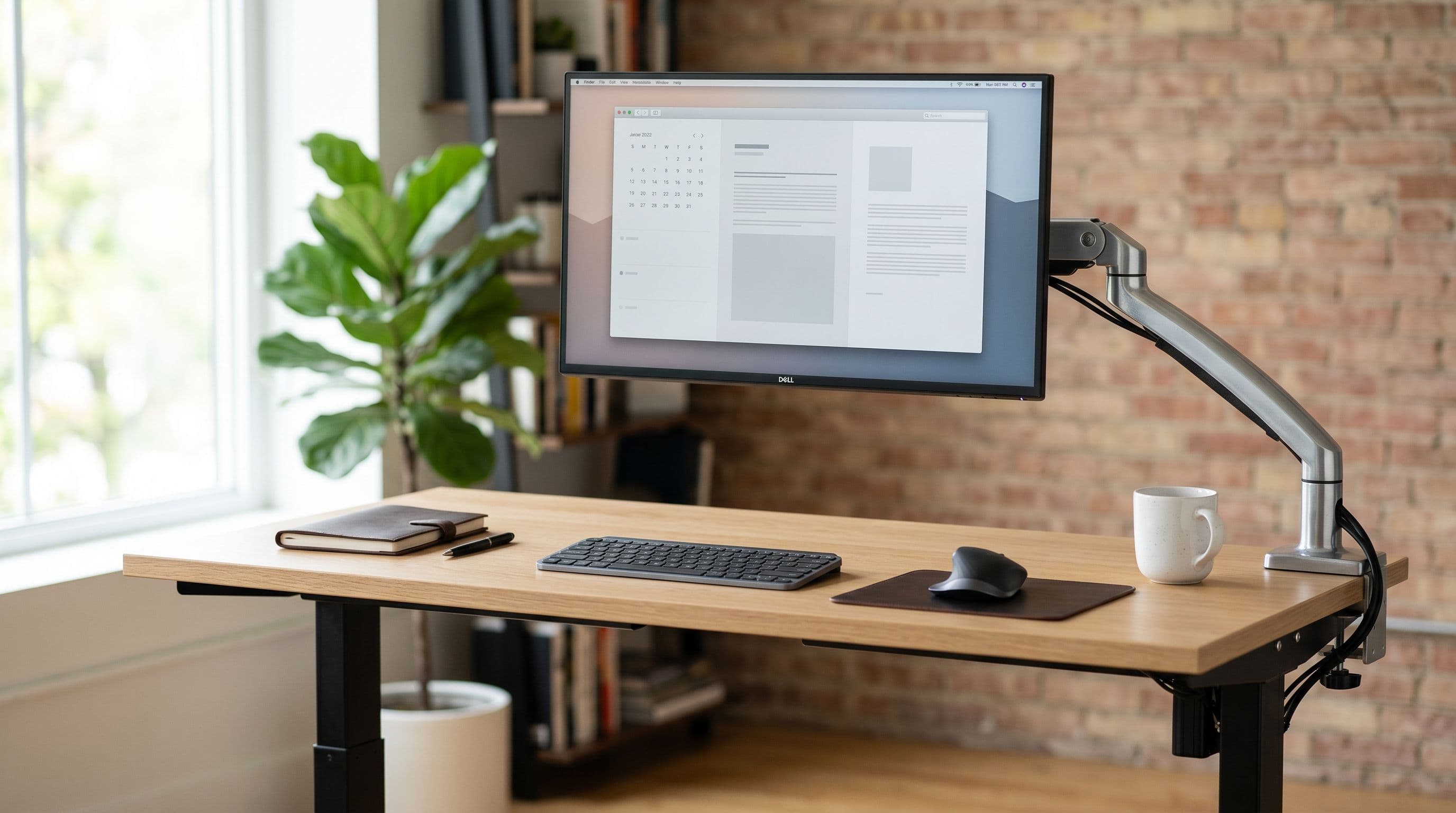
Standing desks wobble more at standing height because raising the columns shifts the center of gravity upward. Heavy monitors make it worse. The fix is usually one of two things: reduce the weight on the desk surface, or switch to a heavier frame with a crossbar. Everything else is a band-aid.
Why Standing Desks Wobble
A standing desk is a lever. The motor columns act as the fulcrum, and everything on the desktop is the load.
At sitting height (roughly 72 cm), the lever arm is short and the desk feels solid. Raise it to standing height (110-120 cm) and that lever arm nearly doubles. Same load, longer lever, more sway.
Three things make wobble worse. First, total weight on the desktop.
A dual 27-inch monitor arm with two 6 kg monitors, a clamp, and the arm itself can hit 18-20 kg concentrated at one point on the desk edge. Second, single-leg arms that create a cantilever effect, pulling the desk off-balance when it's extended. Third, lightweight desk frames without a crossbar between the legs.
Weight Limits for Popular Standing Desks
Weight capacity on the spec sheet tells you what the motors can lift. It does not tell you how stable the desk will be at full height with that load. A desk rated for 160 kg will lift 160 kg, but it might shake while doing it.
The FlexiSpot E7 handles 160 kg total (70 kg per column) and uses a dual-motor design with a steel crossbar connecting the legs. That crossbar is what makes it one of the most stable options under 00. We tested it with a 140x70 cm bamboo top and a dual 27-inch arm setup. Minimal wobble at 115 cm height.
The Uplift V2 is rated at 159 kg and also uses dual motors. Its commercial frame option adds a crossbar, but the standard residential frame ships without one. If you're loading it up with monitors, get the commercial frame. The price difference is worth the stability.
The IKEA BEKANT sit/stand is the wobbliest popular option. It's rated at 70 kg, which sounds fine until you realize it uses a single-motor design. See our IKEA desk guide for model-by-model monitor compatibility.
One motor drives both legs through a connecting shaft, and the whole mechanism has more play in it than the dual-motor competitors. Put a heavy monitor arm on a BEKANT at standing height and you'll feel it sway when you type. If you already own one, keeping your monitor weight under 8 kg and avoiding cantilevered arms will help.
Cable Management for 30-40 cm of Travel
When your desk moves 30-40 cm between sitting and standing positions, every cable needs that much slack. Taut cables pull on connectors, yank peripherals off the desk, and eventually break. But loose cables dangling behind the desk look terrible and catch on chair arms.
The IKEA SIGNUM cable tray (2) mounts under the desk surface and holds excess cable length in a horizontal rack. It moves with the desk, so the slack stays contained. Pair it with spiral cable wrap for the vertical runs from the tray down to the power strip on the floor. The spiral wrap expands and contracts with the desk movement without binding.
The single biggest cable reduction you can make is switching to a USB-C monitor. One cable carries video, power (up to 96W), and data. A monitor like the Dell U2723QE replaces a DisplayPort cable, a USB upstream cable, and a laptop charger with one USB-C connection. On a standing desk where every cable needs slack management, going from five cables to two changes the problem entirely.
Monitor Arms Matter More on Standing Desks
On a fixed desk, a monitor arm is a nice-to-have that reclaims some desk space. On a standing desk, it solves a real problem: screen height needs to change independently of desk height. You might set your desk to the right height for your keyboard and wrists, but that puts the screen 5 cm too low or too high for your eyes. A monitor arm lets you dial in the screen position separately.
OSHA guidelines recommend the top of the screen at or slightly below eye level. When you go from sitting (eyes at roughly 115 cm from the floor) to standing (eyes at roughly 150 cm), the screen needs to come up about 35 cm. The desk itself only accounts for part of that. The arm handles the rest without you re-adjusting the desk height.
Gas spring arms are better here than mechanical ones. You can reposition them with one hand while standing, which you'll do often in the first few weeks as you figure out your preferred heights. The Ergotron LX (30) and the AmazonBasics arm (10, which is a rebranded Ergotron) both handle up to 11.3 kg and adjust smoothly.
Keyboard Trays: A Separate Ergonomic Layer
A keyboard tray mounted under the desk surface gives you independent control over keyboard height. Most mount on drawer slides and sit 7-10 cm below the desktop. This means you can set the desk height for your monitor position and still have the keyboard at the correct typing height, with your elbows at 90 degrees and wrists neutral.
The trade-off is desk depth. A keyboard tray slides out 25-30 cm, so you need clearance in front of the desk.
They also add 1-2 kg of weight that moves with the desk. On a stable frame like the FlexiSpot E7 that's nothing. On a BEKANT, every kilogram counts.
Putting It Together
The best standing desk monitor setup is boring: a stable frame (dual motors, crossbar), a gas spring monitor arm, USB-C where possible, and a cable tray. The FlexiSpot E7 with a 140x70 cm top fits dual 27-inch monitors comfortably and stays stable at standing height. The Uplift V2 at 152x76 cm gives you even more room. Use the desk setup planner to check your specific monitors against these desk dimensions before buying.
If you're on a budget and already own an IKEA BEKANT, keep the monitor light (single 27-inch, under 8 kg with arm) and add a SIGNUM cable tray. If you're buying new, spend the extra 50-200 on a dual-motor frame. You'll stop noticing the price after a week. You'll notice the wobble every single day.


